
Complete your internal shutdown and release approvals before arranging server disposal. Then inventory every storage device, agree data handling, plan physical access and reconcile the final equipment and media outcomes.
Keep production changes with the authorised team
Migration, application dependencies, backup testing and shutdown approval belong in your IT change process. A recycling collection should begin with assets already approved for retirement. Confirm any lease, return, retention or security restrictions before scheduling physical movement.
Create a chassis-to-media register
Record the server asset tag and chassis serial number, then list the drives beneath it. Include storage shelves, hot spares, loose disks and removed components. Record interfaces, capacities and health where known. Do not assume that all disks share one condition or one approved treatment.
For arrays or RAID controllers, confirm how individual media will be accessible for the agreed process. This is a compatibility question to resolve before the job, not after equipment arrives for processing.
Agree treatment and exceptions
- State whether media can leave the premises before sanitization.
- Select the reuse or destruction outcome with your security owner.
- Request an appropriate erasure workflow for each supported media type.
- Assign failed, inaccessible or unidentified media a controlled exception route.
- Define final acceptance and reconciliation responsibilities.
Prepare the physical collection
Specify equipment location, access controls, loading route, packing, rack rails and accessories. Assign de-racking and isolation work explicitly if required. Separate the collection window from the sanitization completion target, and allow for exceptions in the project plan.
After collection, match chassis and media records to their outcomes. Resolve missing identifiers before closing the disposal project.
Get an equipment retirement scope
e2e can assess server recycling and workstation disposal alongside data sanitization. Send a device list, drive counts, cities and your required evidence. The asset inventory template includes a parent asset field for media mapping.
Questions from corporate IT teams
Does one server asset tag cover all drive records?
A chassis asset tag is useful, but a multi-drive server needs media-level mapping when individual sanitization or destruction outcomes must be reconciled.
Related services and planning guides
Server recycling, storage retirement and workstation disposal
Plan corporate server recycling, workstation disposal and storage media sanitization. e2e coordinates assessment, collection and recycling across India.
Read details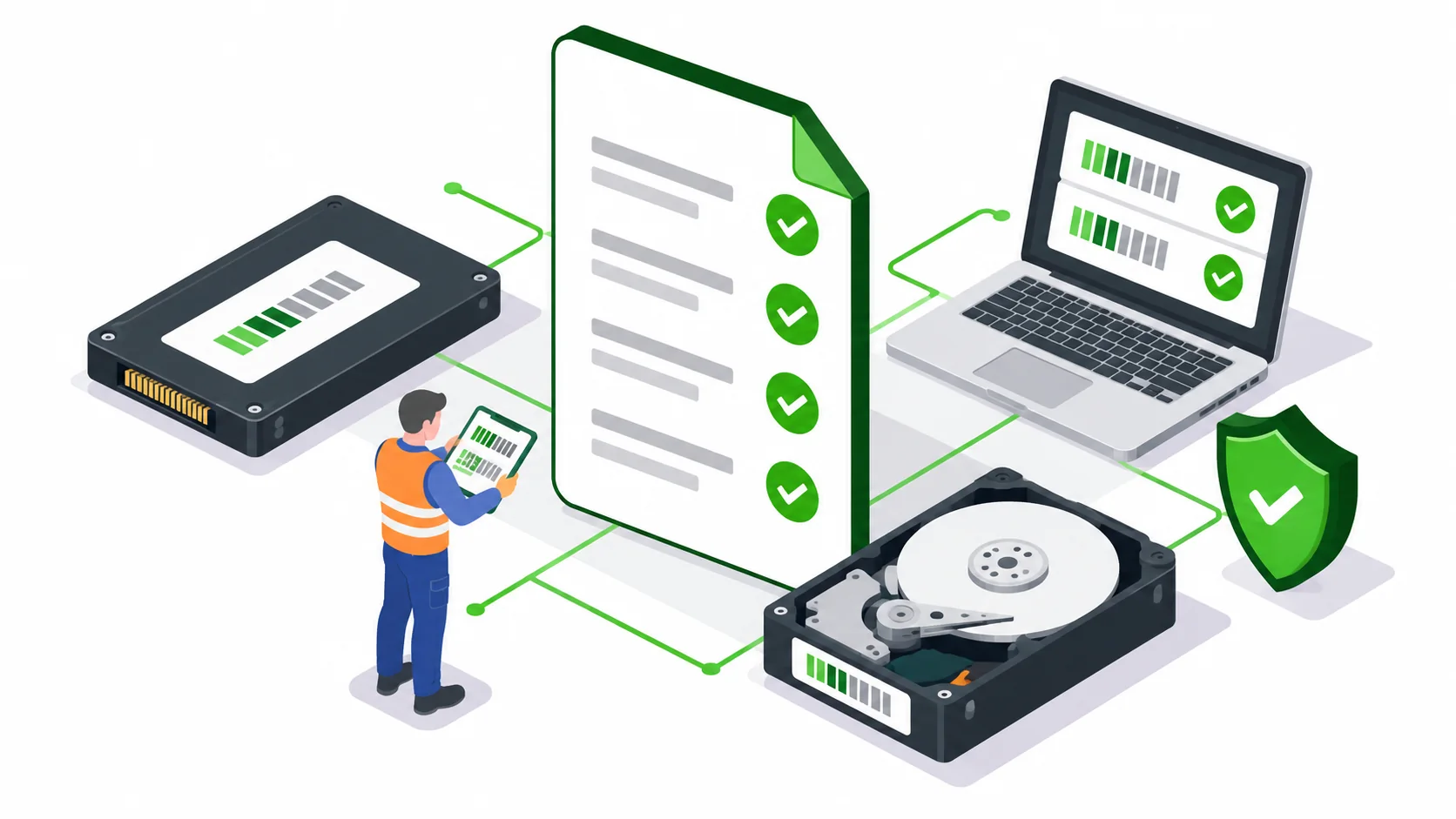 Article
What to check in a data erasure certificate and report
What should IT buyers check in a data erasure report? Review media identifiers, methods, results, exceptions and inventory reconciliation before acceptance.
Read details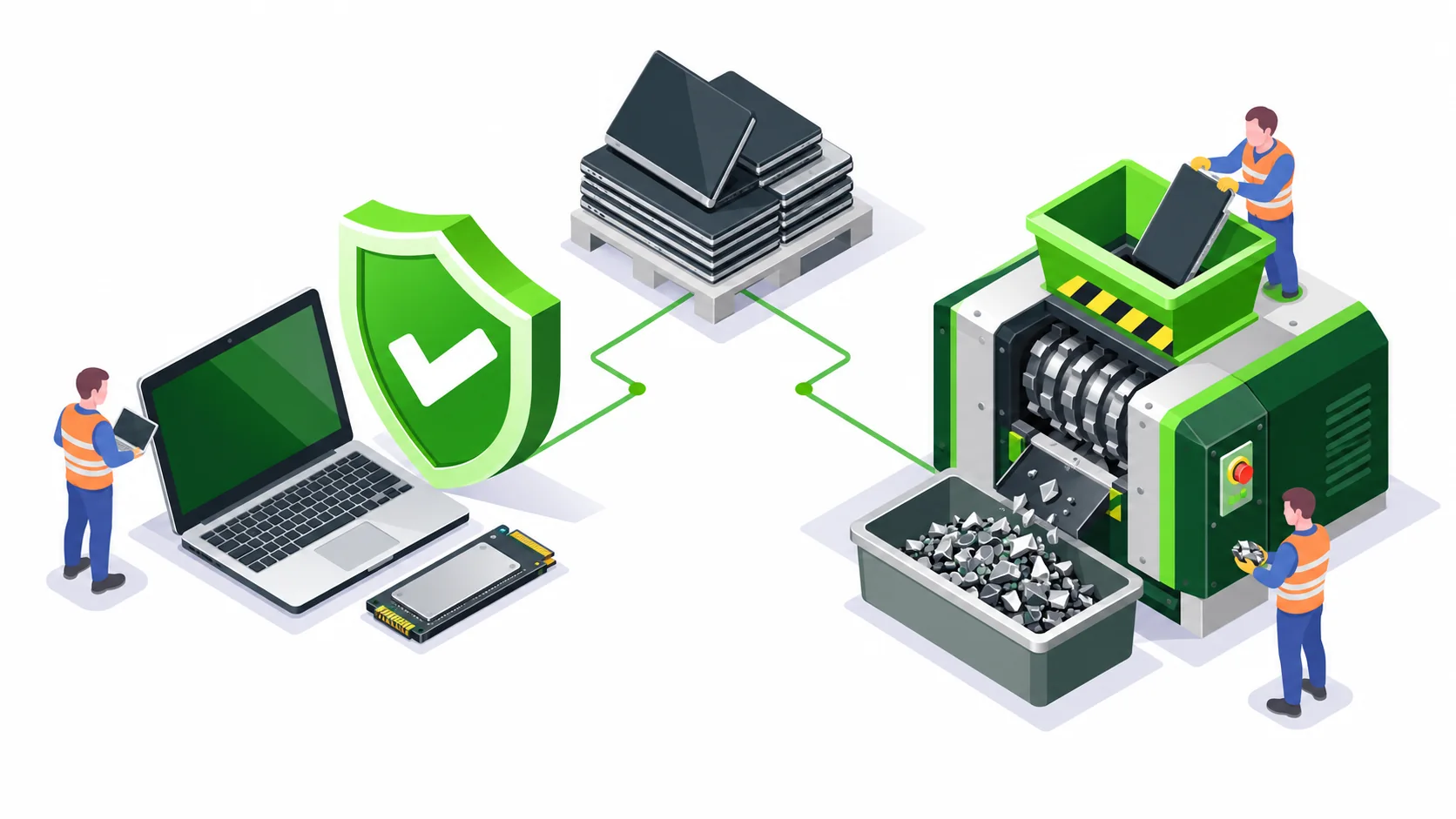 Article
Data erasure or physical drive destruction: which should IT choose?
Compare data wiping, sanitization and physical drive destruction for company laptops, HDDs, SSDs and servers. A practical decision guide for IT buyers.
Read details