e2e provides physical drive destruction for corporate storage media that must not return to use. Scope the equipment, handling, identification and evidence your IT security team needs before approving collection or processing.
When destruction belongs in the plan
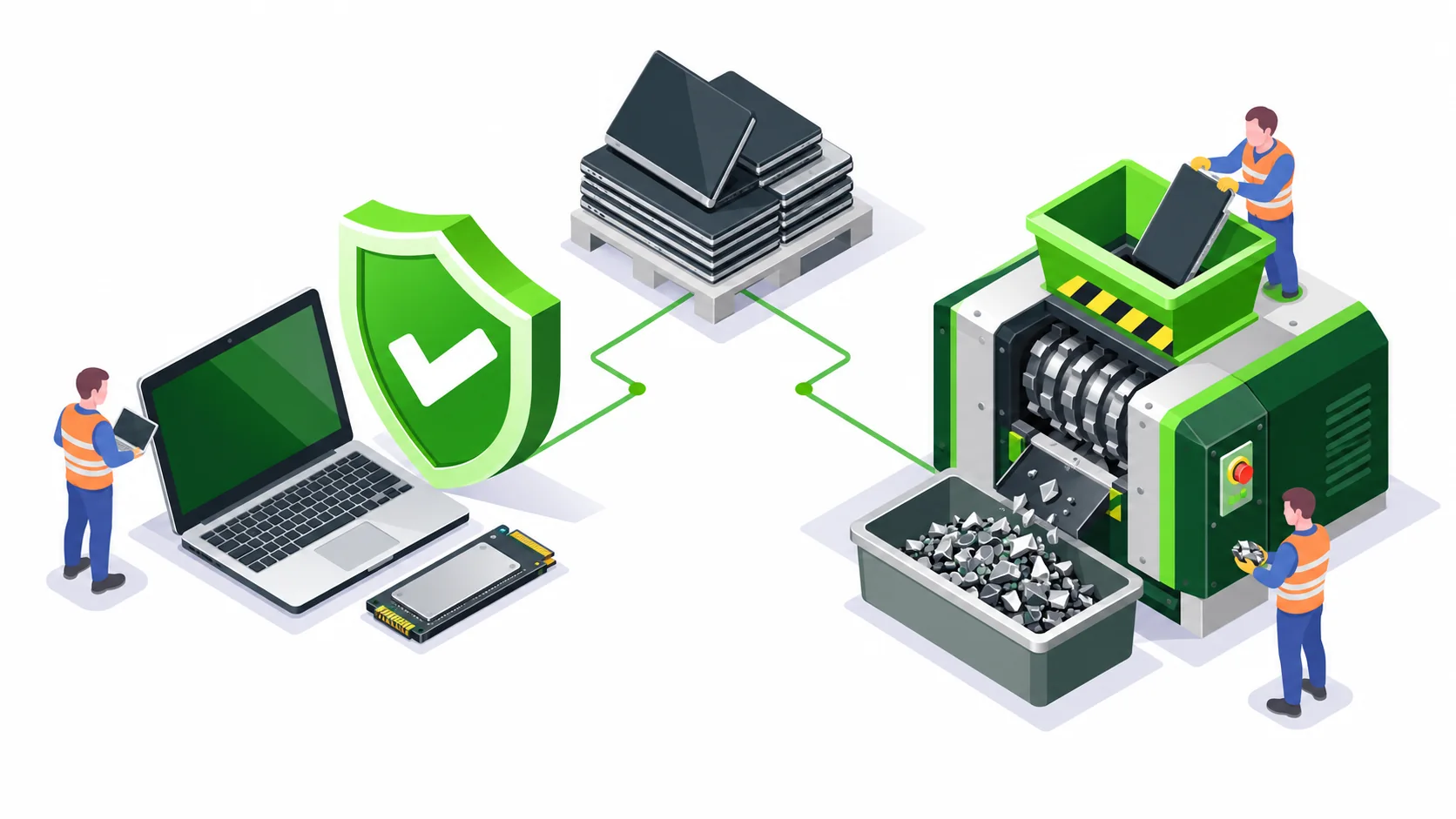
Physical destruction is an option when a drive has failed, a supported erasure route is unavailable, or your internal policy requires the media to be destroyed. Decide this before assets leave controlled storage. A failed software operation should remain an open exception until a responsible person approves the next action.
Destruction and erasure have different commercial outcomes: physical destruction prevents reuse of the media. For working equipment your team wants to retain, consider a separate data wiping assessment.
HDDs and SSDs require a defined scope
Identify the media type, model, condition and quantity. SSDs store data in flash components, while HDDs use magnetic media; a method described only as “drive destruction” does not tell procurement what will actually happen. Agree a suitable physical process, acceptance criteria and the evidence available for your specific media.
Ask about the location of processing, whether witnessing is required and feasible, how items are tracked, and how resulting material enters the recycling route. Any onsite execution or witnessing arrangement is confirmed in the proposal.
Records to request
- Approved media list, with serial numbers or agreed identifiers.
- Collection and transfer records covering the custody handovers.
- Agreed destruction method and processing location.
- Completion evidence tied to the media list, with discrepancies recorded.
- Recycling records for the resulting material where included in scope.
Prototype and confidential equipment destruction
e2e also handles prototype destruction. Describe the material, dimensions, quantity and confidentiality controls. Identify storage devices inside prototypes so that intellectual-property handling and data security are both addressed.
Request a destruction assessment with the city, media quantities, security requirements and your preferred completion window. Do not send passwords or the contents of the drives.
Questions from corporate IT teams
Is drive destruction the same as data erasure?
No. Erasure aims to sanitize compatible media while allowing reuse. Physical destruction makes the media unusable. Choose the route according to your policy, media condition and acceptance criteria.
Can failed SSDs and HDDs be included?
Yes, include failed media in your enquiry. e2e will assess media types, the destruction process and required records before confirming the job.
Related services and planning guides
 Article
Data erasure or physical drive destruction: which should IT choose?
Compare data wiping, sanitization and physical drive destruction for company laptops, HDDs, SSDs and servers. A practical decision guide for IT buyers.
Read details ServiceData erasure and sanitization services for corporate IT teams
Data erasure and sanitization for corporate laptops, HDDs, SSDs and servers. Blancco, TruWipe and BitRaser workflows, reporting and Pan-India collection.
Read details ServiceServer recycling, storage retirement and workstation disposal
Plan corporate server recycling, workstation disposal and storage media sanitization. e2e coordinates assessment, collection and recycling across India.
Read details