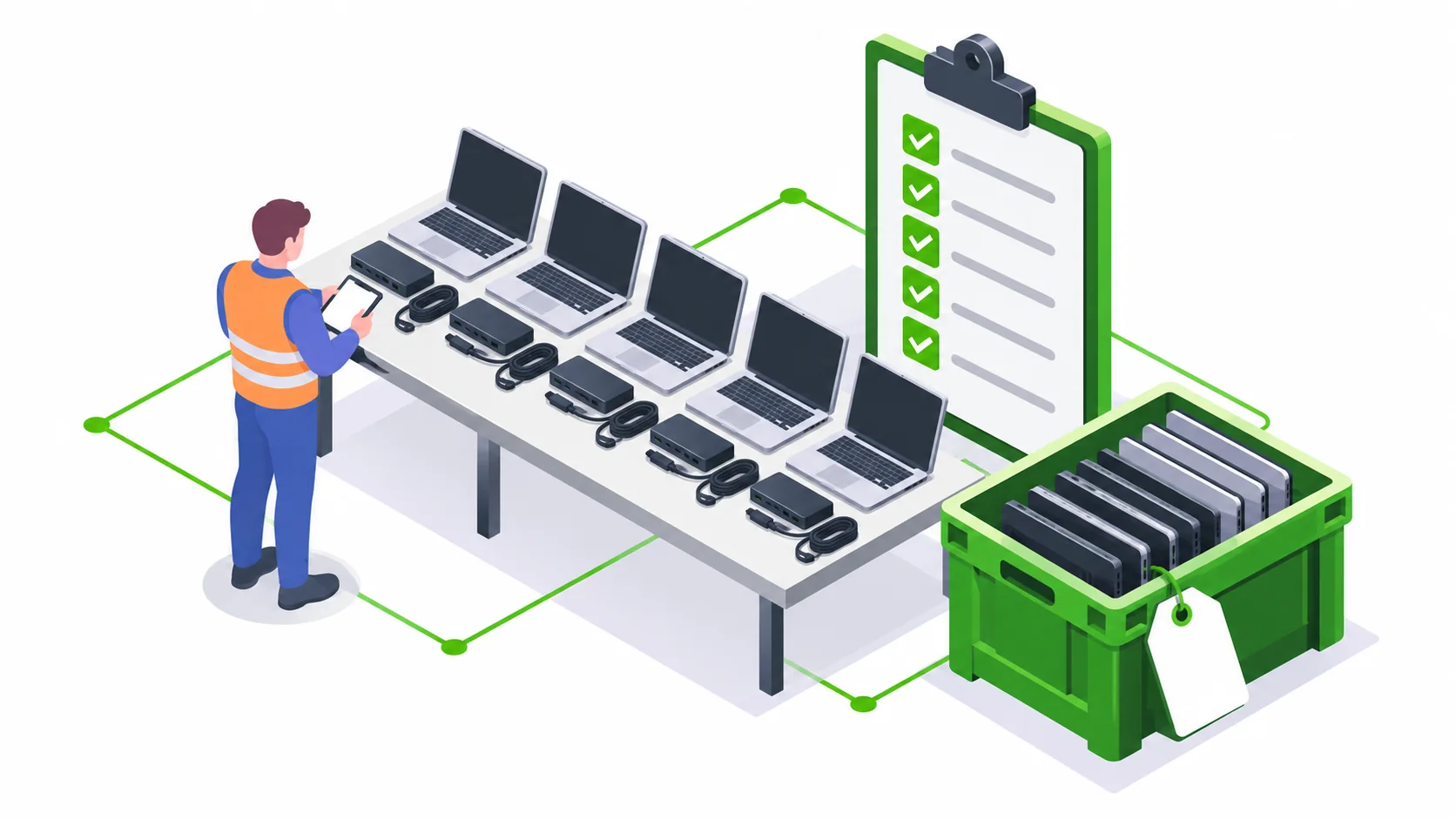
Before disposing of company laptops, approve the retirement, reconcile devices and drives, retain required data, agree sanitization and record the final handover. Use this checklist for a refresh, lease return or office clearance.
1. Establish ownership and release approval
Reconcile your asset register with the physical stock. Include devices held by remote employees, support teams and storage rooms. Check ownership, lease conditions and any retention hold. Nominate the person who can authorise each device to leave the company.
2. Prepare the data and device inventory
- Confirm backups and retention with the data owner before any erasure.
- Record asset tag, manufacturer, model, serial number and installed drive details.
- Note damaged devices, missing drives and systems that will not power on.
- Remove access locks and management assignments only through your approved IT process.
- Keep passwords and customer data out of the collection spreadsheet.
3. Separate the intended outcomes
Group equipment by redeployment, lease return, reuse assessment or recycling. Select data wiping or media destruction according to your policy and the condition of each drive. Agree how unsuccessful operations will be reported and held.
Do not promise release of a whole batch until exceptions have an owner. A laptop chassis and its storage media may require separate decisions.
4. Prepare collection with facilities
Set pickup addresses, access hours, loading arrangements, packing responsibilities and onsite contacts. Label batches so the collection team can distinguish cleared equipment from stock still awaiting approval. Count monitors, docking stations, chargers and accessories separately.
5. Close the records
Match the handover list to the collection record and reconcile data-handling outcomes against media identifiers. Record what was not collected, what could not be processed and what needs follow-up. File the agreed recycling and sanitization records alongside the retirement approval.
Download the blank asset inventory CSV or request a collection assessment. The template is a planning aid; adapt its fields to your internal controls.
Questions from corporate IT teams
Should our IT team wipe laptops before collection?
Follow your internal data policy. If third-party erasure is required, agree whether media can leave the premises, the processing location, method and records before collection.
Related services and planning guides
Corporate IT asset disposal and office electronics recycling
Dispose of company laptops, desktops, monitors, workstations and electronics with e2e. KSPCB-registered recycling, data sanitization and Pan-India collection.
Read details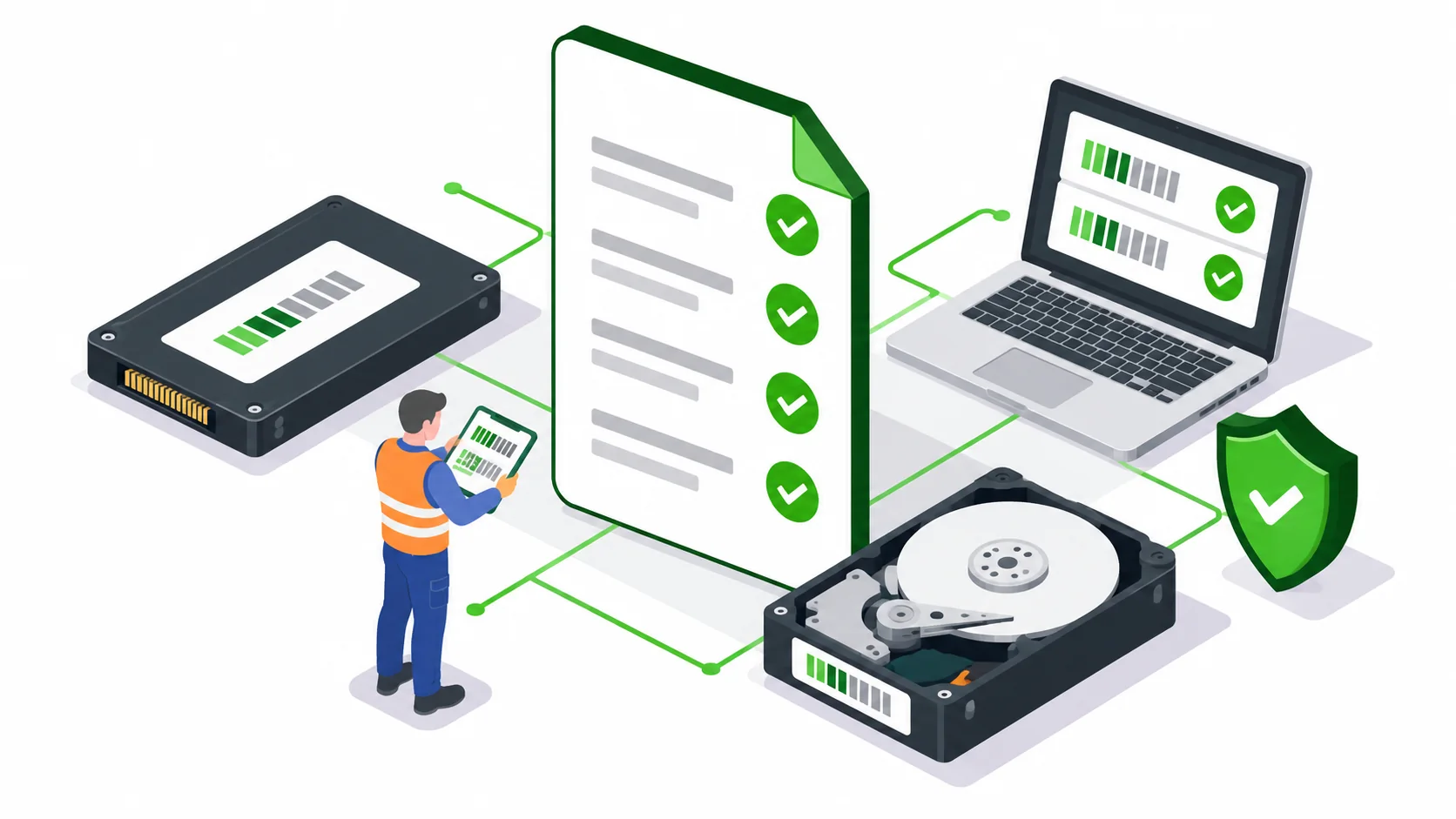 Article
What to check in a data erasure certificate and report
What should IT buyers check in a data erasure report? Review media identifiers, methods, results, exceptions and inventory reconciliation before acceptance.
Read details CollectionPan-India corporate e-waste collection and data erasure coverage
Pan-India corporate e-waste collection and data erasure enquiries: Bengaluru, Chennai, Hyderabad, Mumbai, Pune, Delhi NCR, Kolkata, Ahmedabad and more.
Read details